 ExampleCRM Help Center
Create a Workspace

Step 1: Registration
- Navigate to ExampleCRM Sign Up.
- Select your preferred sign-up method:
- Continue with Google for Google account registration.
- Continue with Microsoft for Microsoft account registration.
- Or, Continue With Email for email registration.
Step 2: Choosing a Trial Period
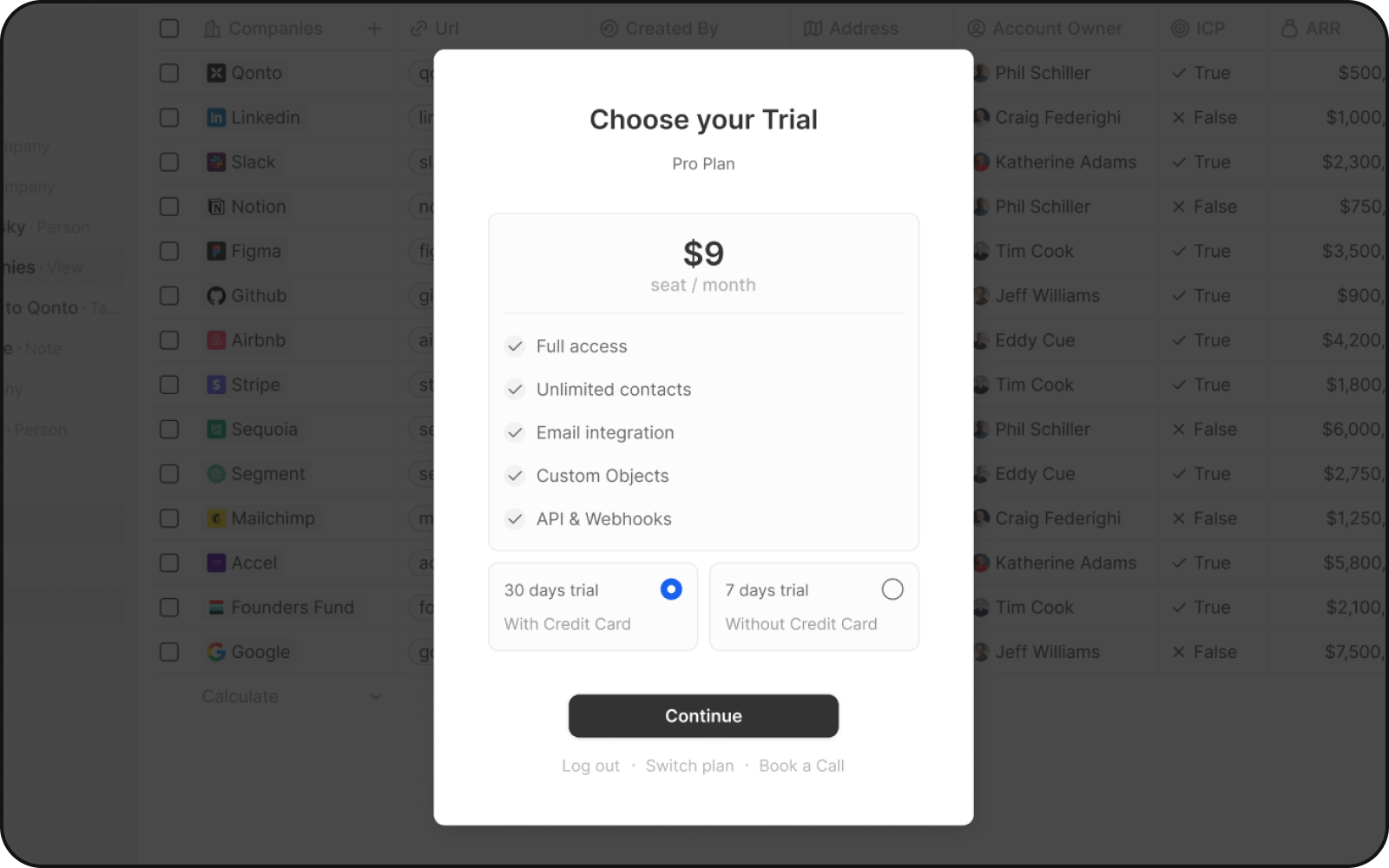
Choose between two trial periods:
30 days
With credit card
7 days
Without credit card
Both trials include:
- Full access
- Unlimited contacts
- Email integration
- Custom objects
- API & Webhooks
You can click on "Change plan" to choose a different plan or billing interval.
Step 3: Payment Confirmation & Account Setup
Post payment approval via Stripe, you're directed to create your workspace and user profile. Remember that you can cancel your subscription anytime.
Support
For queries or help, connect with the dedicated support team at contact@examplecrm.com or send a message on Discord